
Know where your leads come from. Know what to improve.
Your website gets visitors. Your ads get clicks. Your social media gets views. But which ones are bringing people who actually want to hire you?
We connect your tracking and reporting so you can see what's working, where customers are coming from, and what deserves your attention next.
See which visits, clicks and views bring people who want to hire you.
Talk About Your Tracking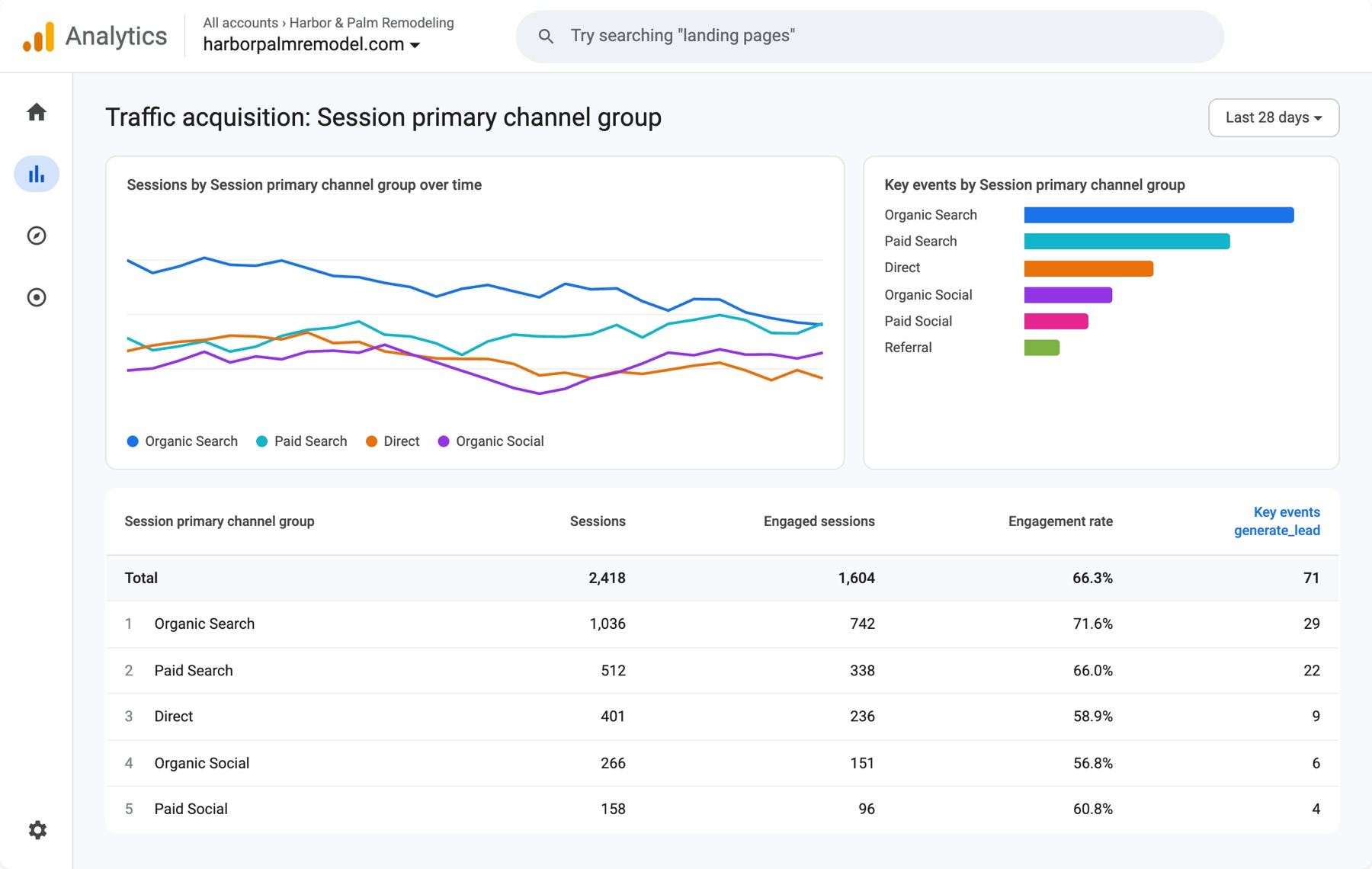
Your Accounts
Your business controls access.
Your Website Activity
Understand what visitors do.
Your Lead Sources
See where inquiries begin.
Better Decisions
Know what to improve next.
Every number should answer a question.
Data is useful when it tells you something about your business. We look beyond website visits and ad clicks to understand how customers find you, what they're interested in, and whether they're taking the next step.
Past visits and clicks: how people find you and whether they take the next step.
Website visitors
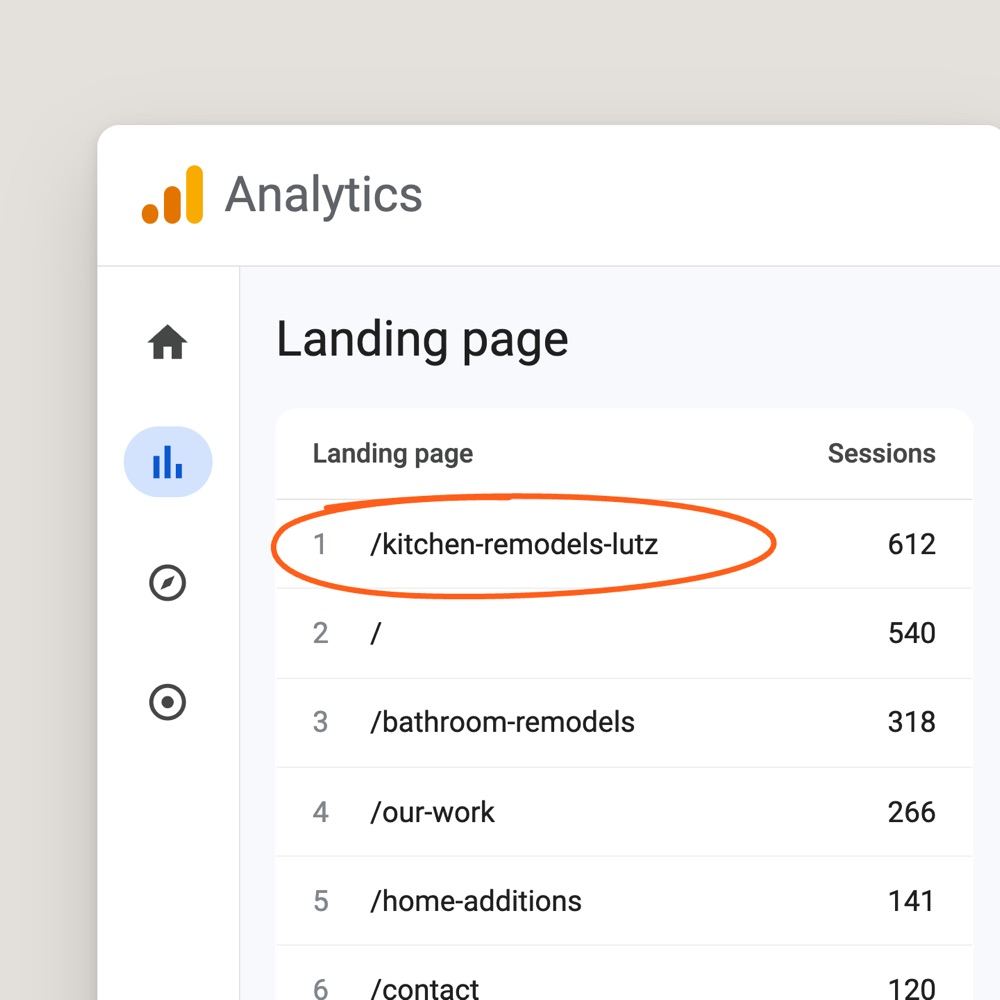
Where are visitors coming from? Which pages do they view? Which actions lead to an inquiry?
Google Search visibility
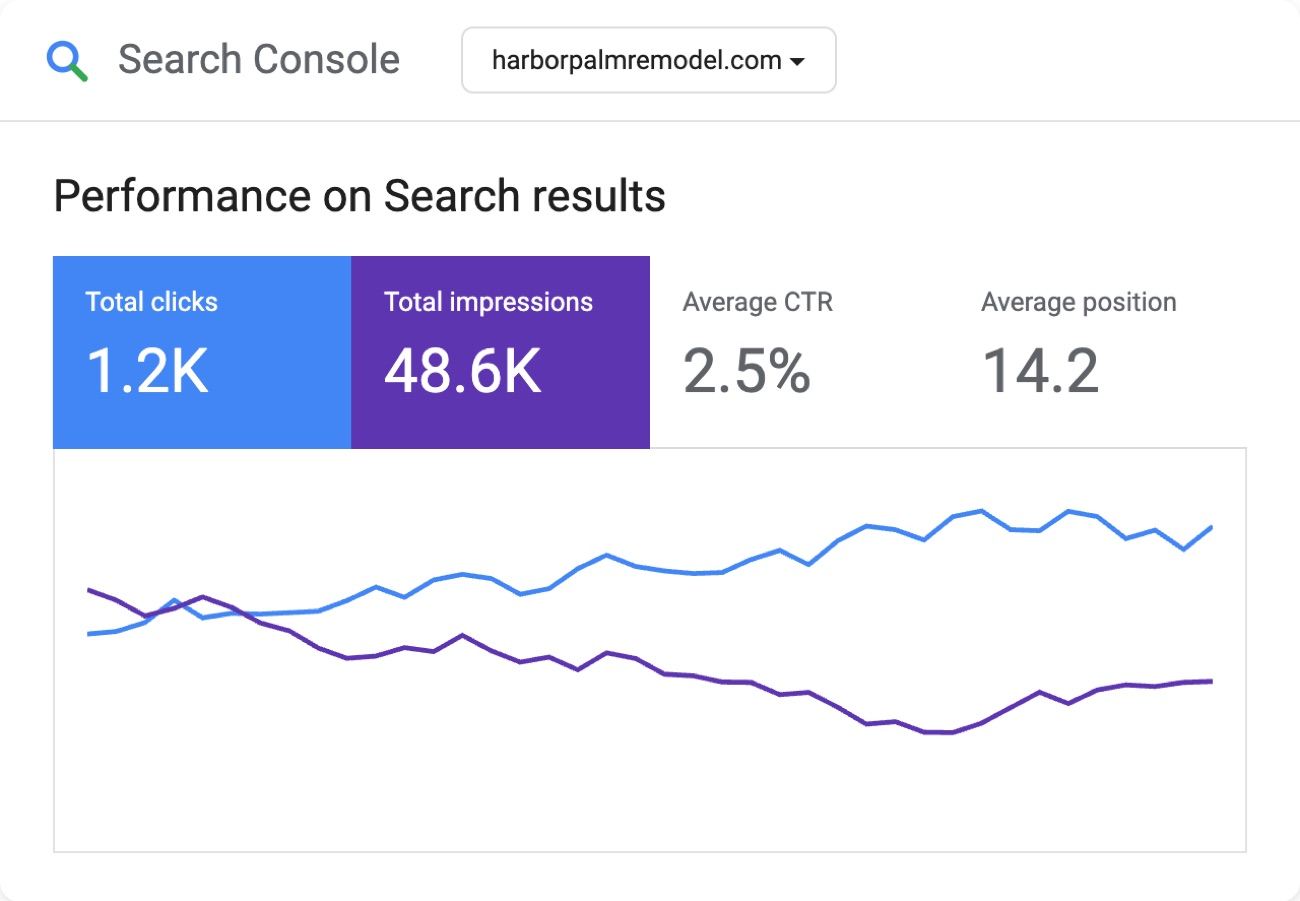
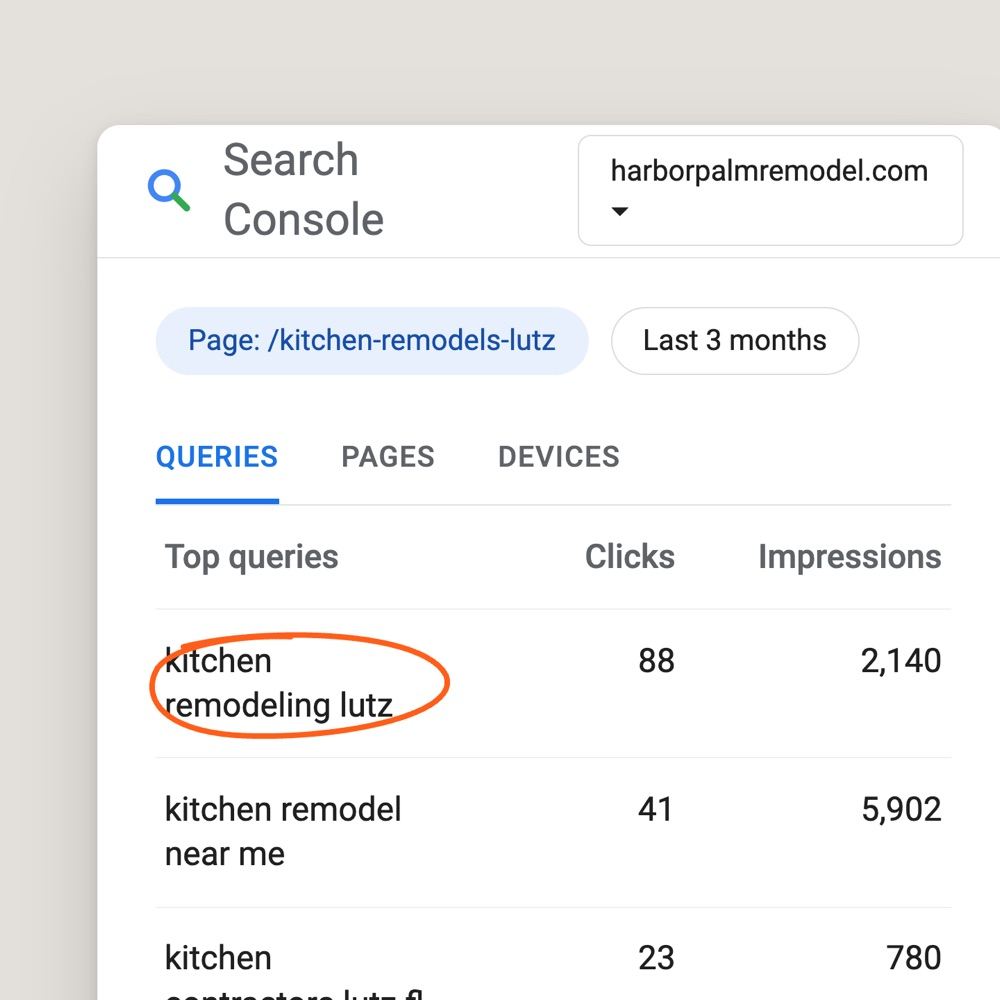
Which searches show your website? Which pages get clicks? Where is visibility improving?
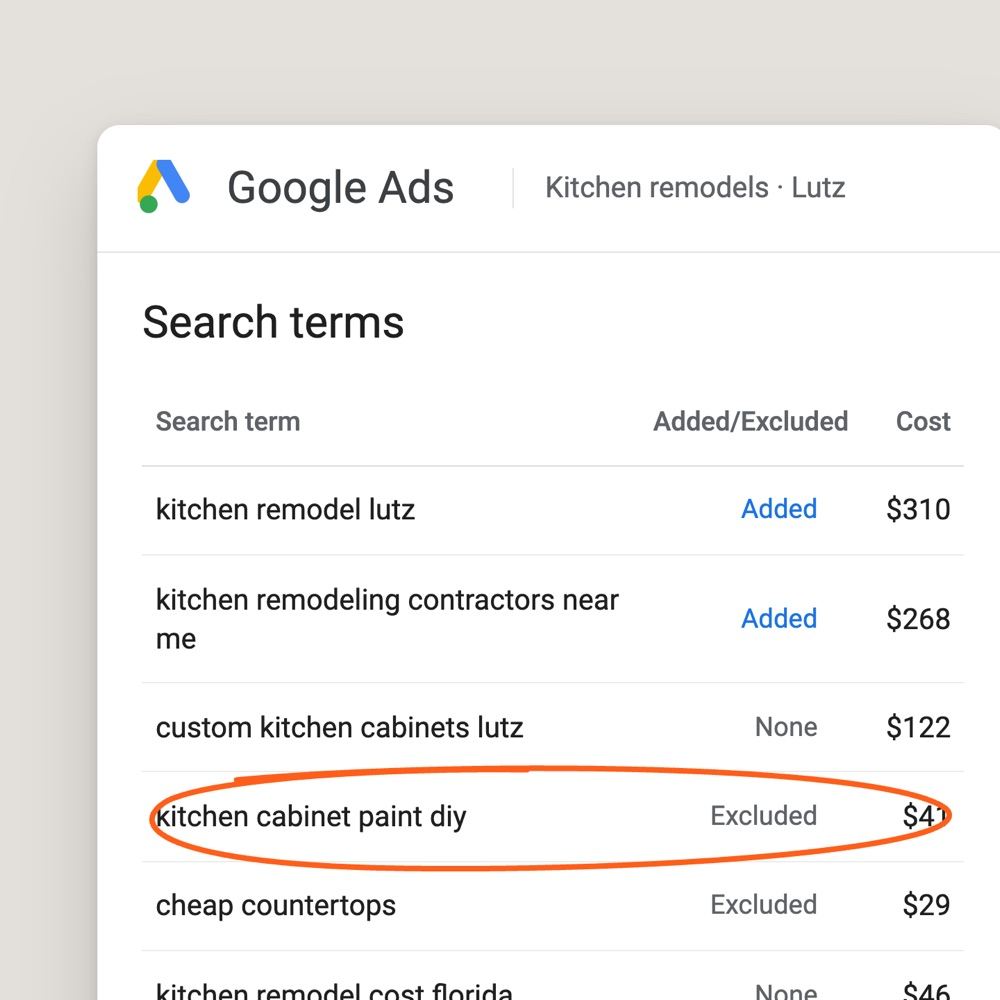
Advertising performance
What are you spending? Which campaigns and searches bring inquiries? What should change?
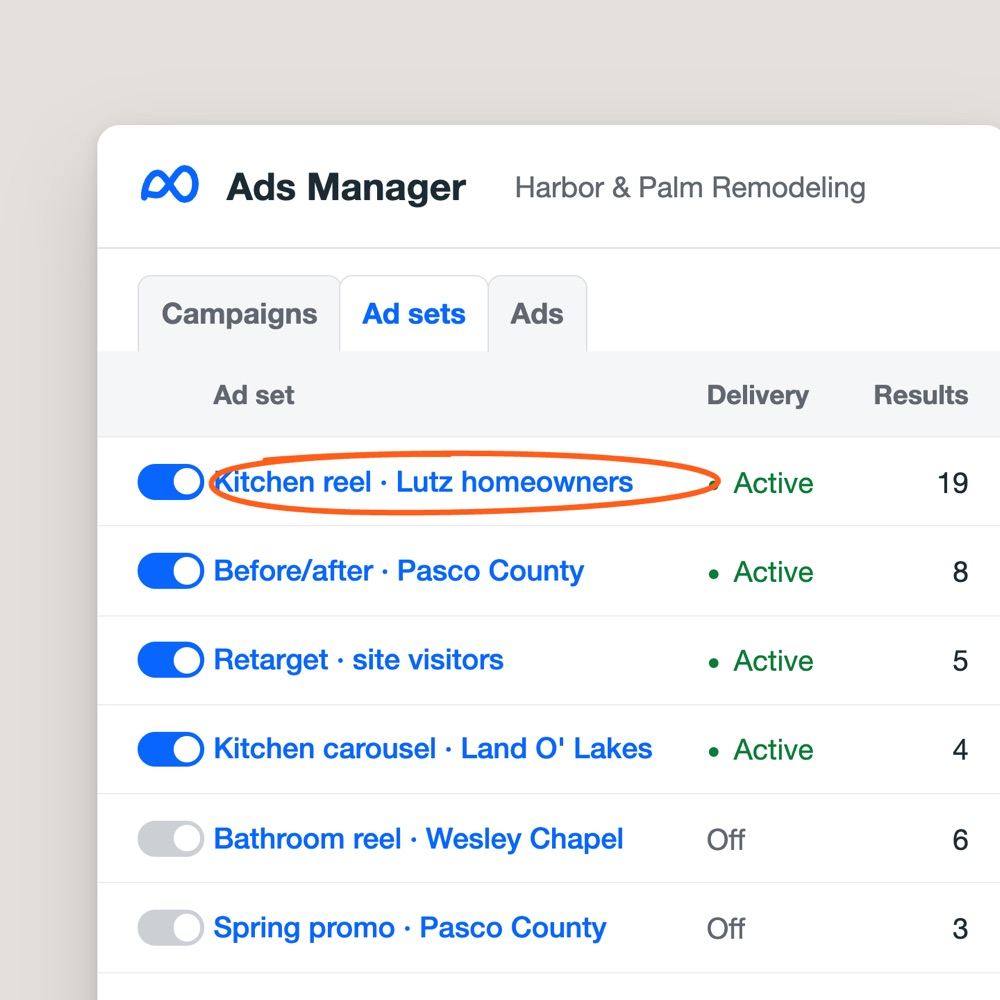
Social and Meta ads
Which videos and posts are reaching people? How are Meta campaigns performing?
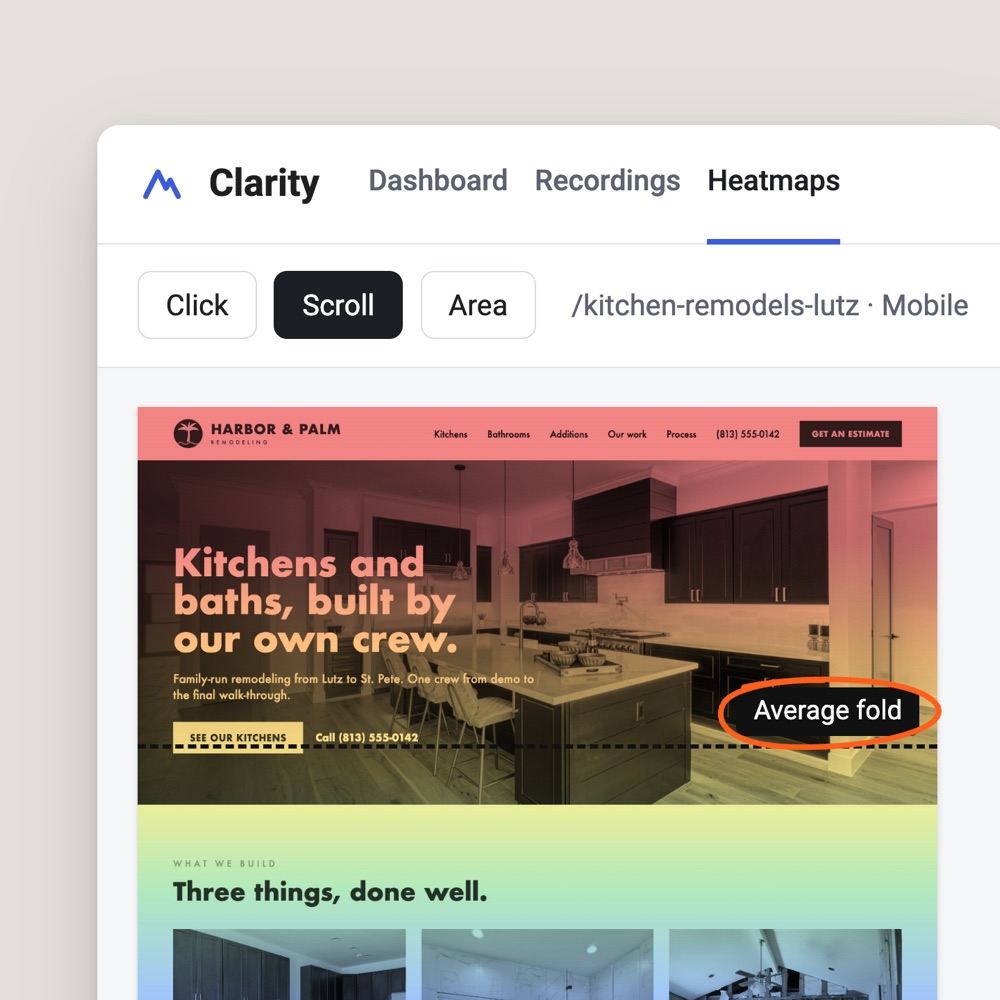
How visitors use your site
What are people clicking? How far do they scroll? Where might they be getting stuck?
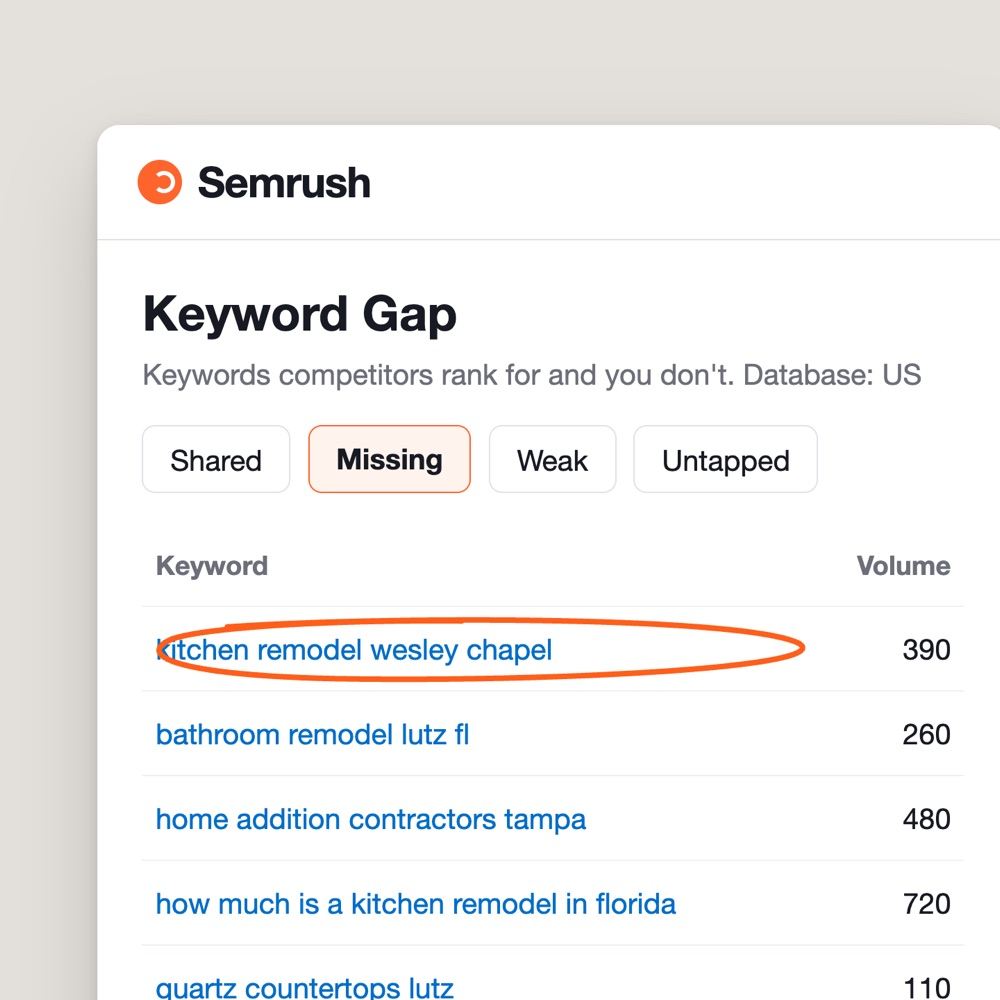
Search opportunities
Which services have search demand? Where are competitors visible? Which pages deserve attention?
A click is a starting point. A good lead is what matters.
Someone searches for a kitchen remodeler. They find your website, review your work, and submit an inquiry.
Tracking should show where that visit started, which page they used, and whether the inquiry matches the work you want.
Where the visit started, which page they used, and whether it's the work you want.
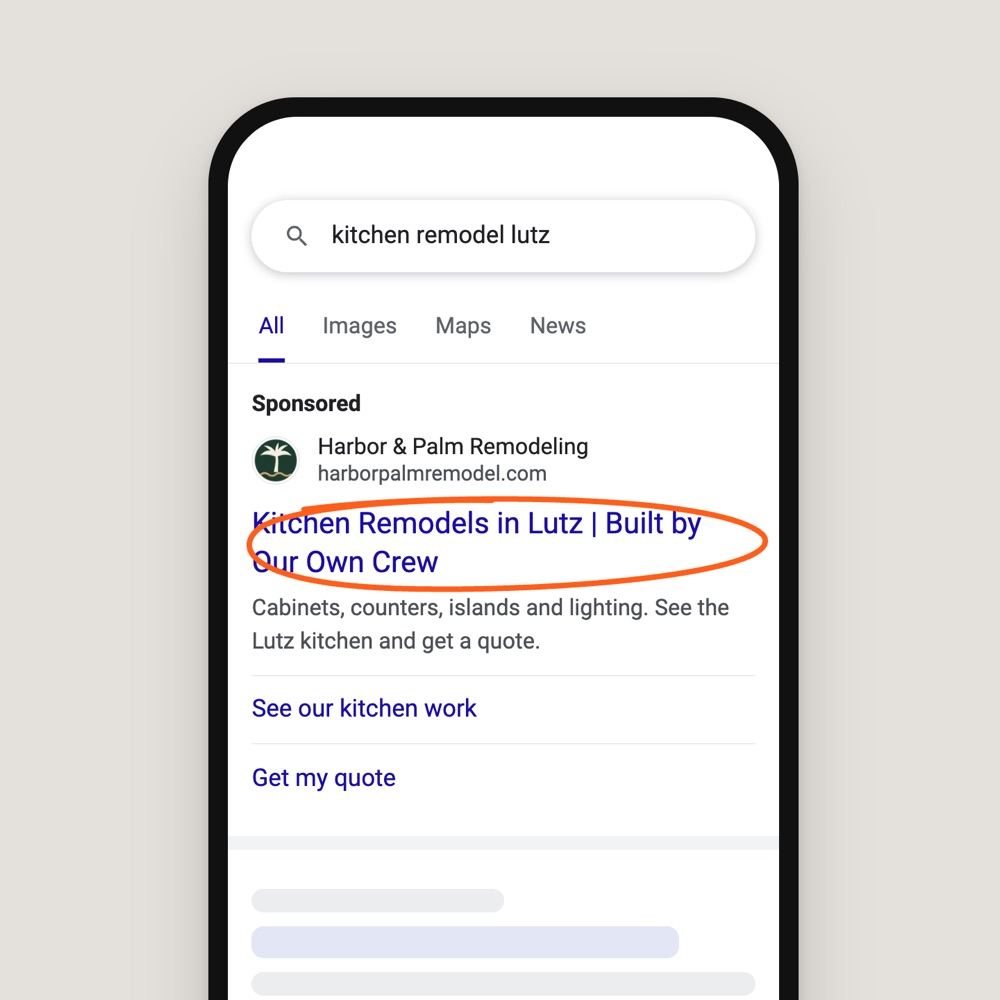
The search or ad
Google Ads or Search Console shows where it began.
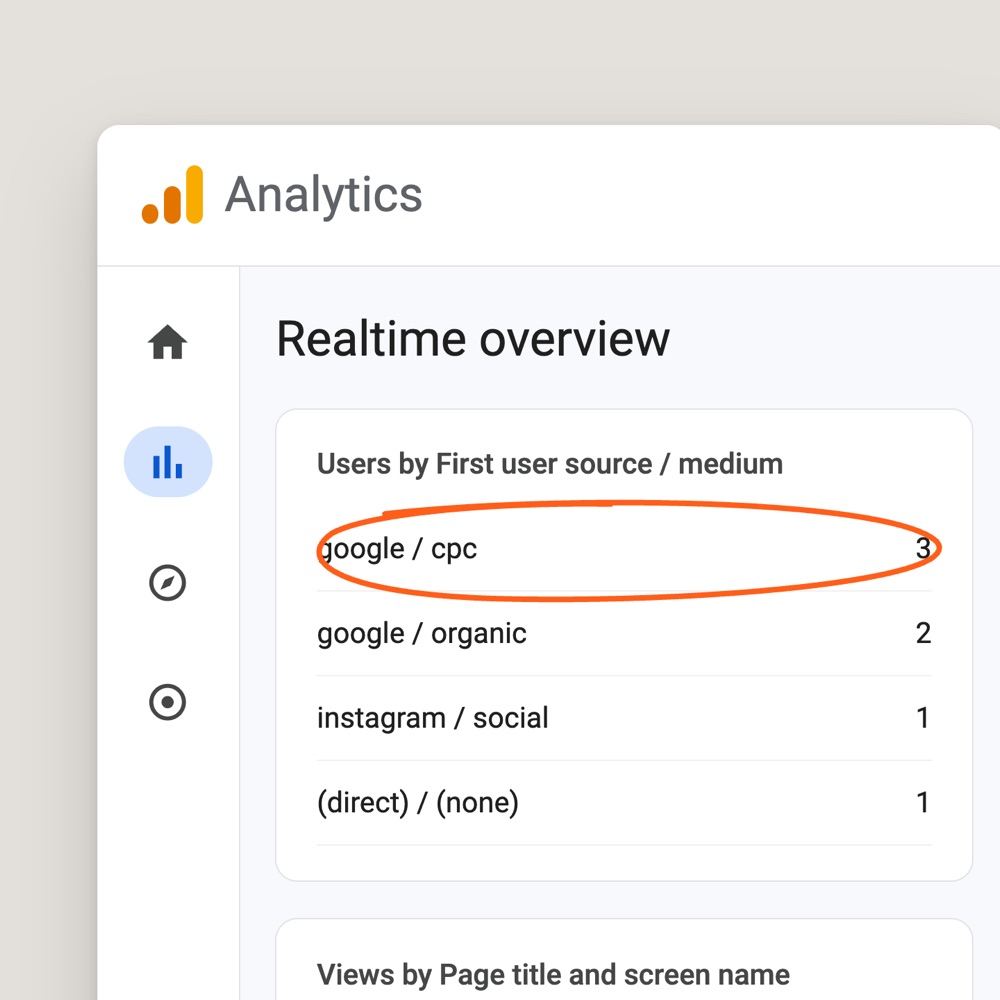
The website visit
GA4 records the page and the source.
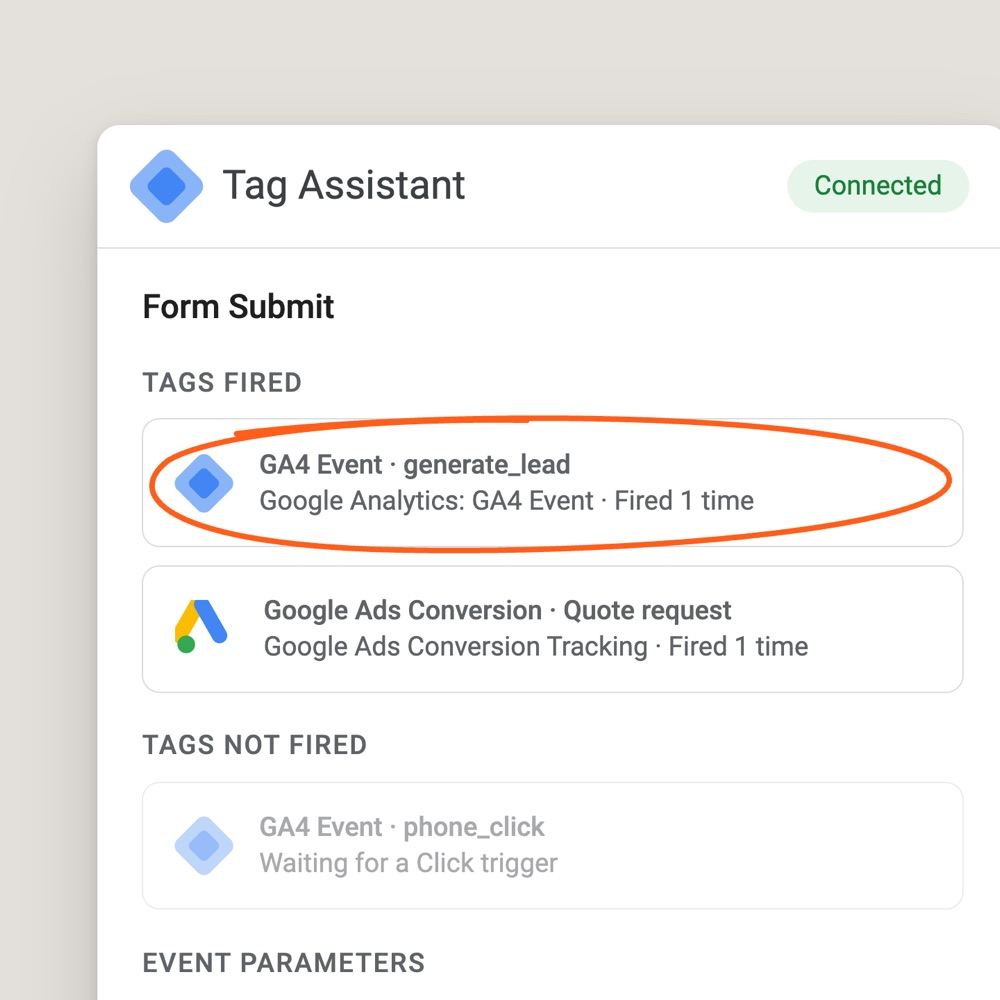
The form or call
One tested event for each submitted form.
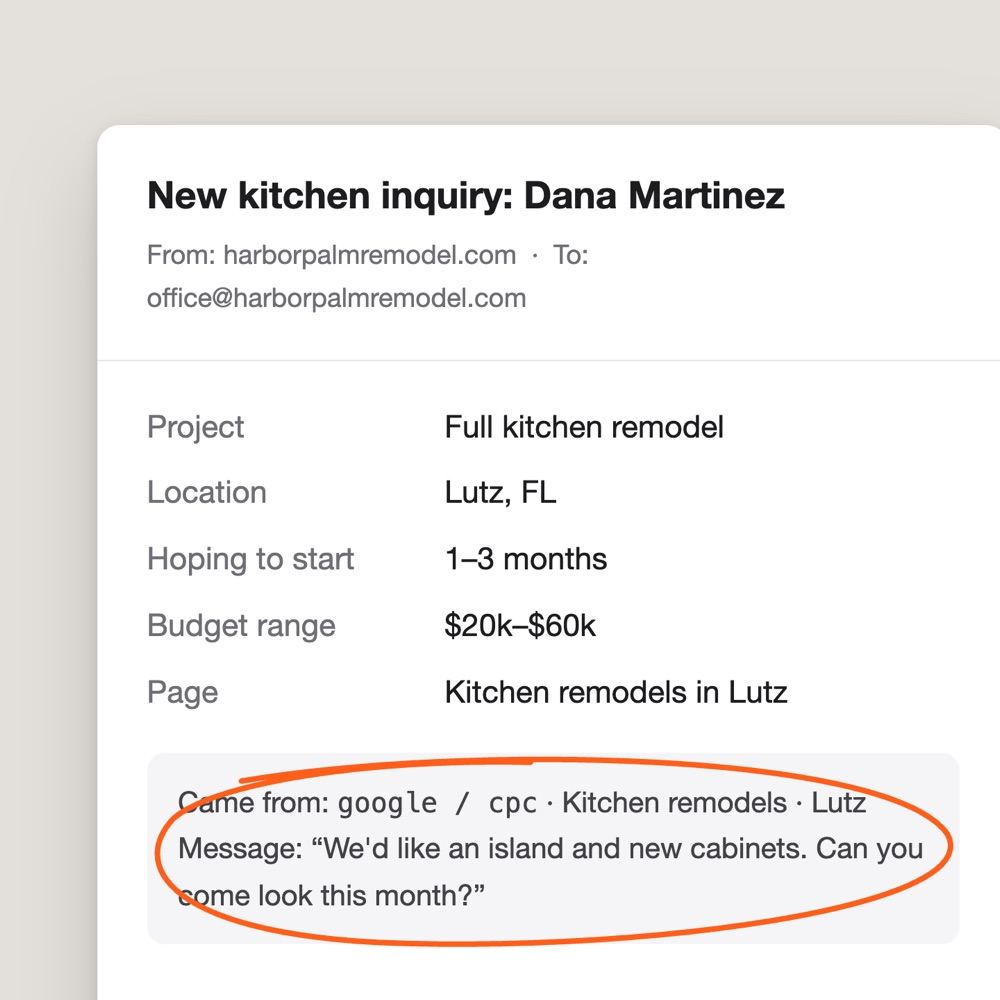
The project inquiry
The project they asked about, with its source.
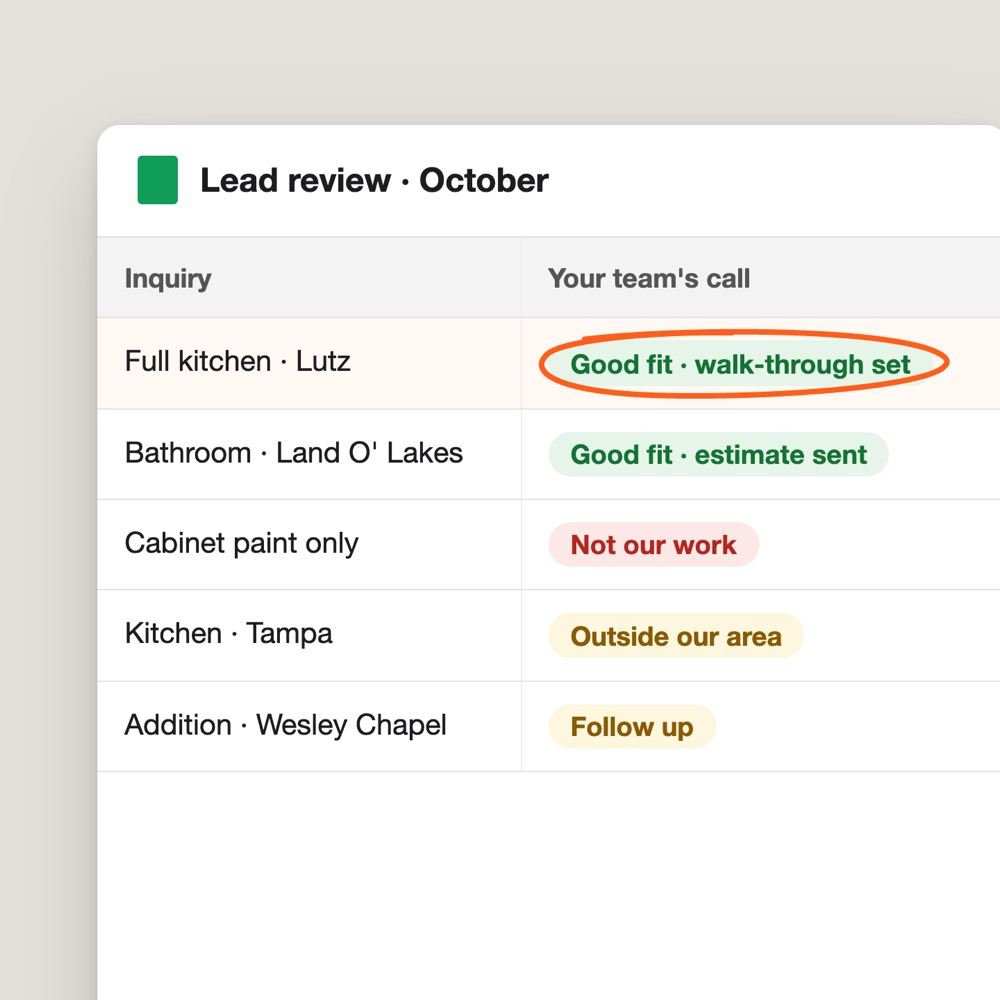
The lead review
Was it a good fit? Tracking can't tell. Your team can.

When you can share what happened after the inquiry, we use that feedback to make better decisions about your marketing. Website tracking alone can't know whether a job was sold.
Different tools. One clearer picture.
No single platform tells the whole story. We use different tools to understand how people discover your business, what they do next, and where there may be opportunities to improve.
No single platform tells the whole story.
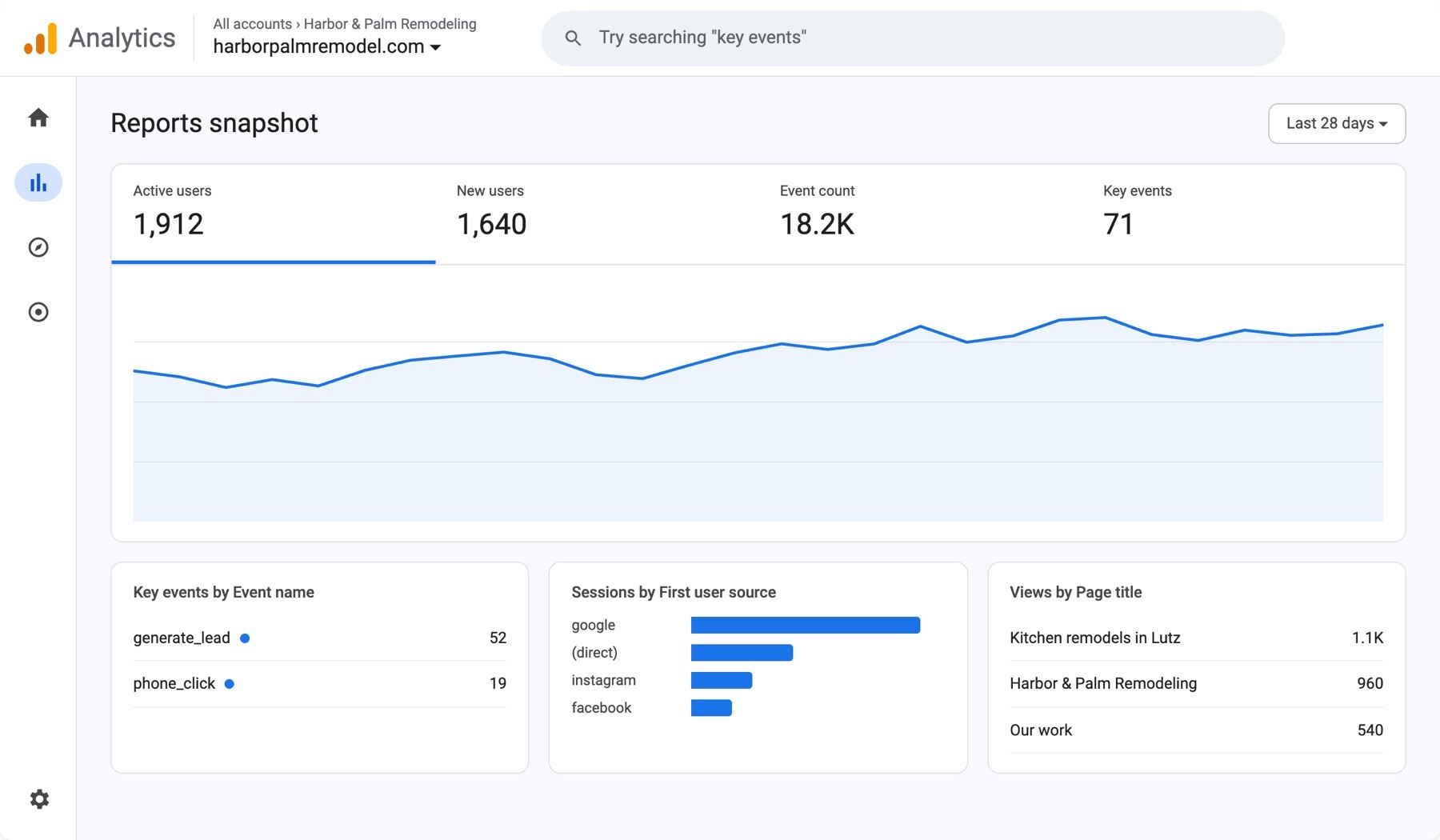
Traffic, sources, landing pages and key events like completed inquiry forms. Which visits turn into inquiries?
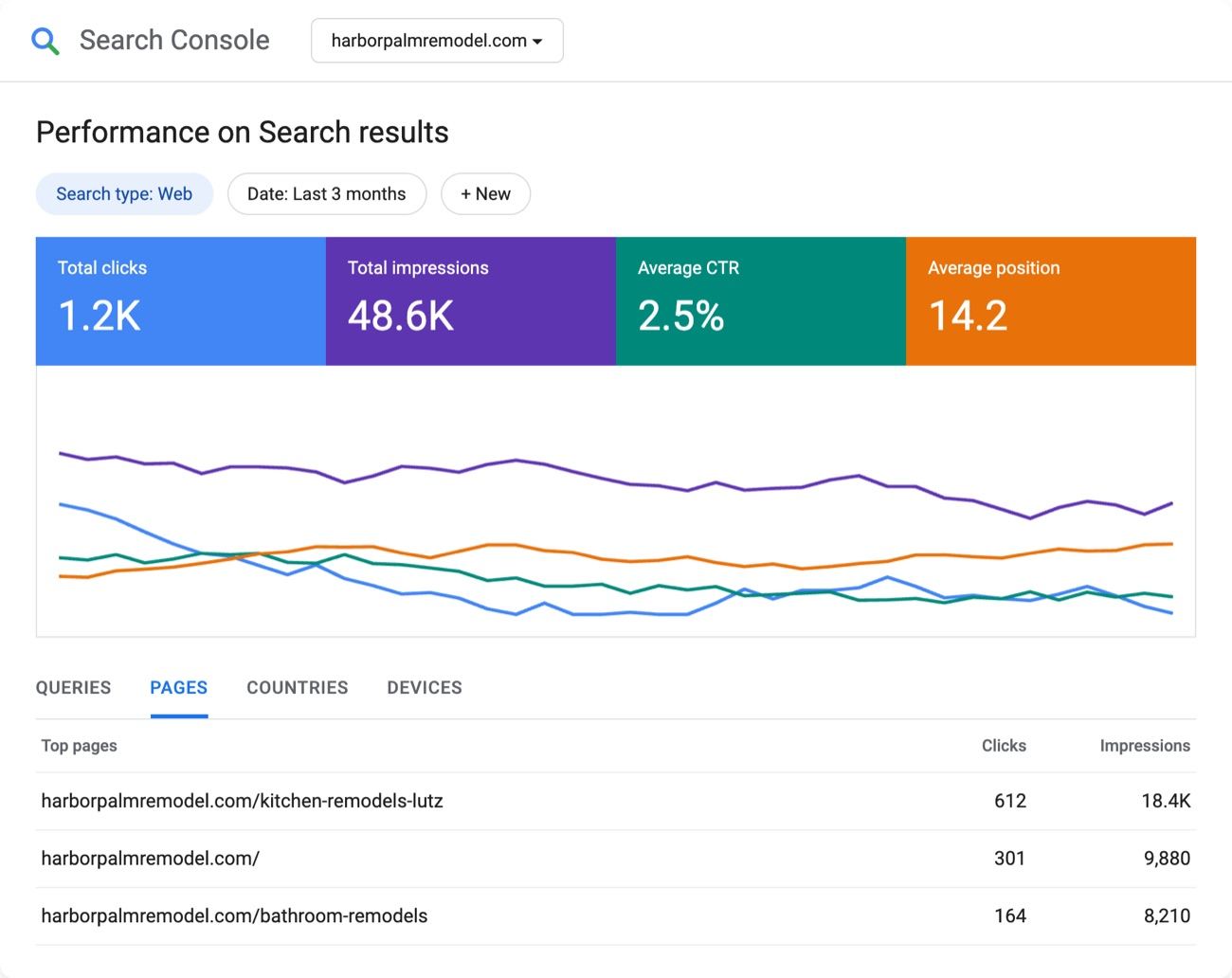
Search queries, impressions, clicks, page performance and indexing. How does Google show your site?
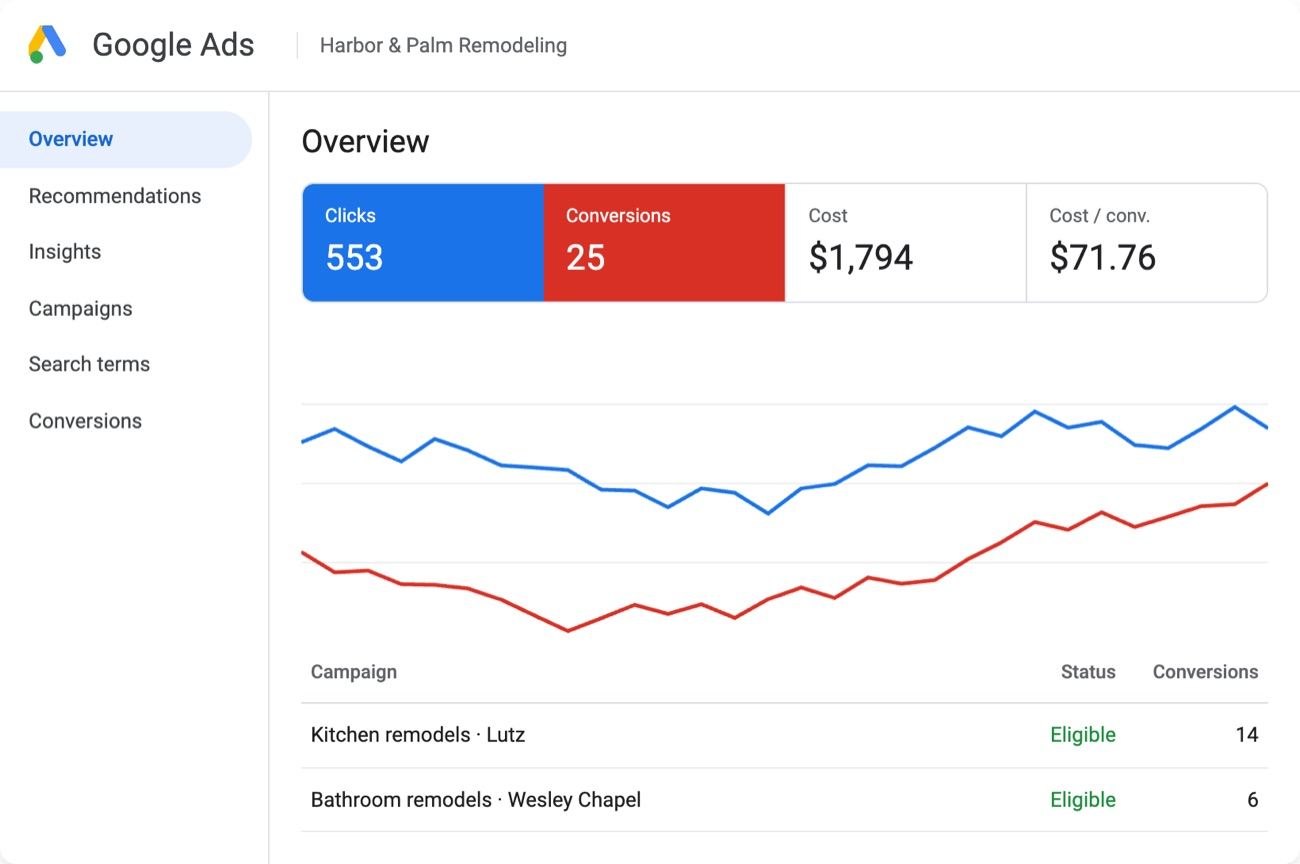
Spend, clicks, search terms and reported conversions. Is the spend bringing the right searches?
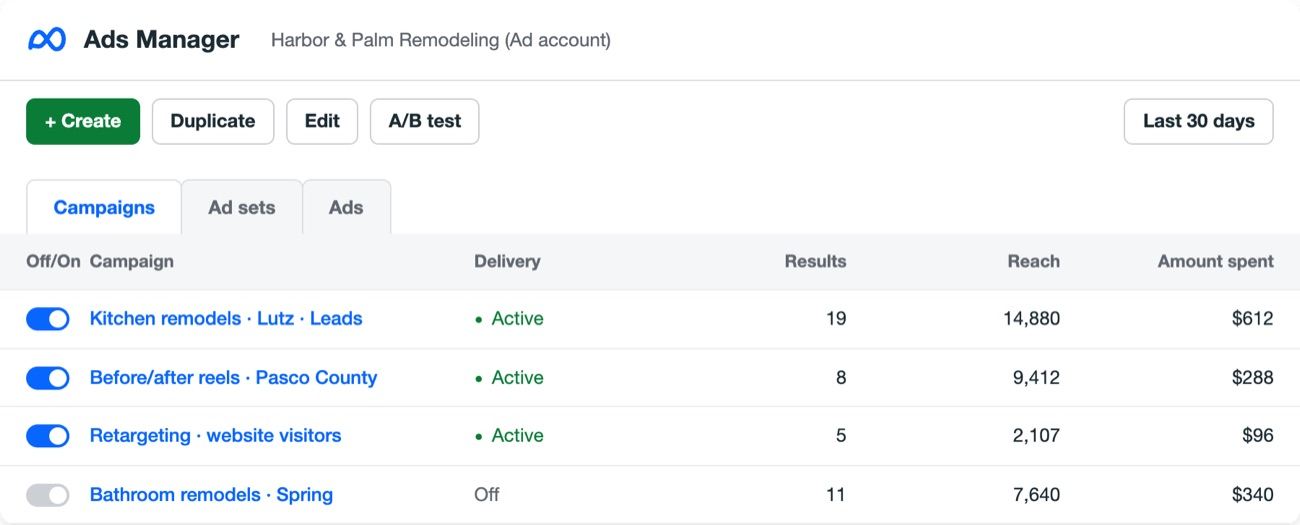
Delivery, reach, spend and results across Facebook and Instagram ads. Which campaign earns its budget?
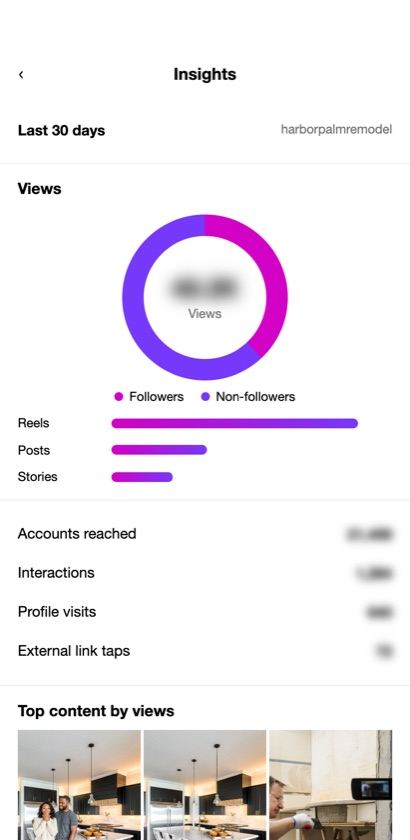
Views, reach and engagement for a professional account. Which posts reach new people?
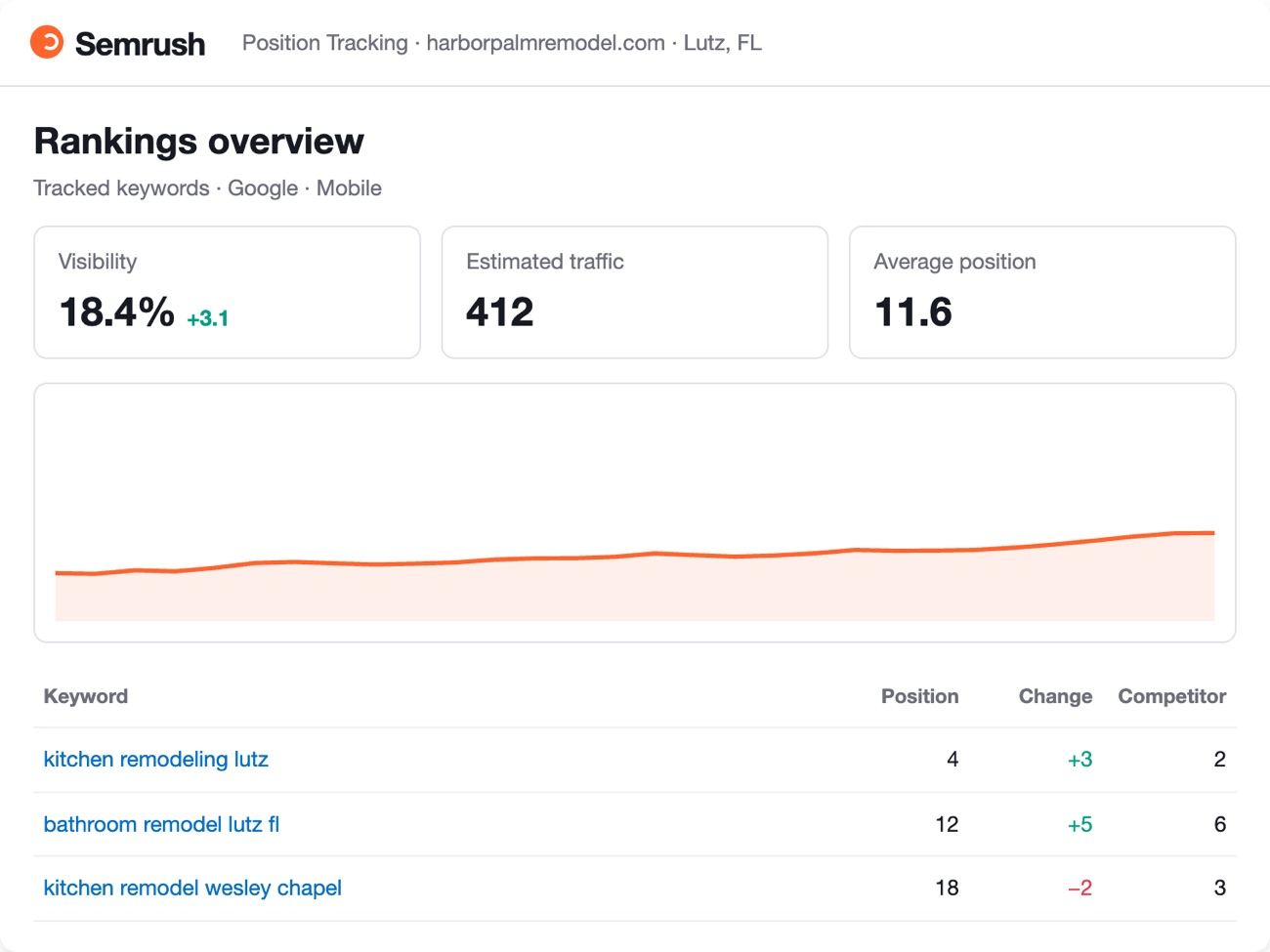
Keyword research, competitor visibility and ranking trends. Where are competitors showing up instead of you?
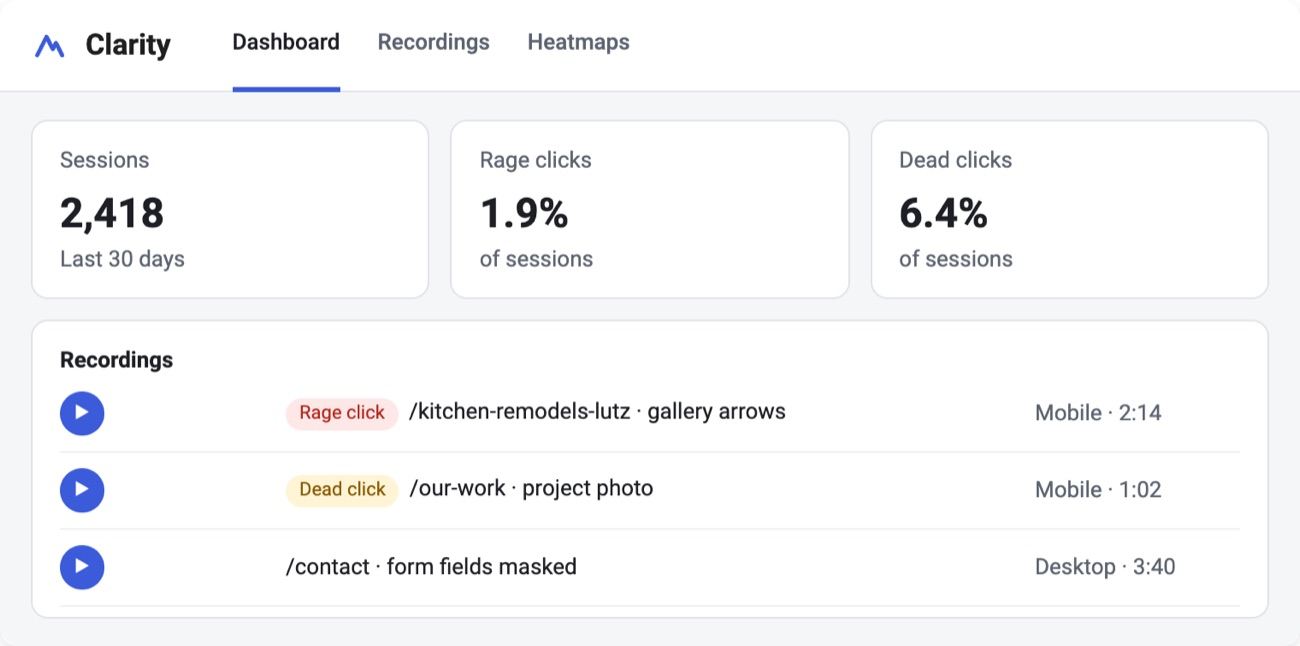
Click and scroll heatmaps and session recordings, with personal details masked. Where do people get stuck?
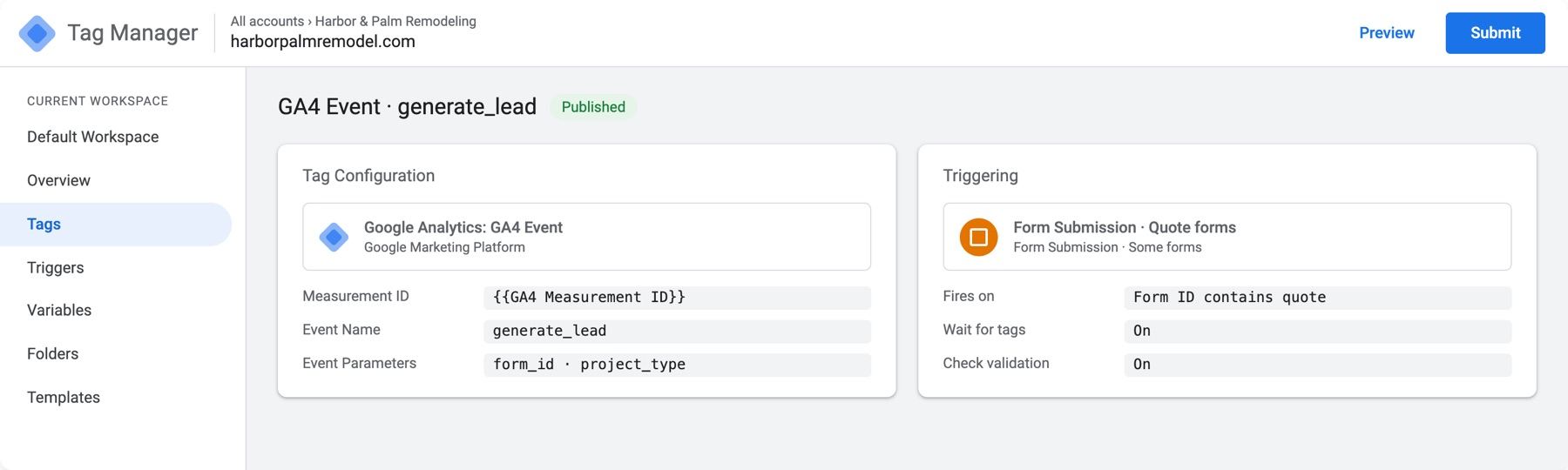
The setup underneath: the tags and events, like a quote-form submission, that feed the other reports. Is every inquiry counted once?
Four numbers. A clear picture. A decision.
You shouldn't have to dig through a stack of reports to find out whether your marketing is helping. We focus on what matters, explain what changed, and recommend what to do next.
What changed, and what to do next.
Inquiries
71Calls and forms that represent genuine customer interest.
Sources
Google search29Google Ads22Instagram6Where those inquiries came from, when tracking information is available.
Marketing spend
$2,790What campaigns cost and what the reporting shows they produced.
Lead quality
41 of 71Whether the inquiry matches the work, location and project value you want.
More inquiries are coming from the kitchen-remodeling page. Review lead quality before increasing spend.
Use what we learn to make the next improvement.
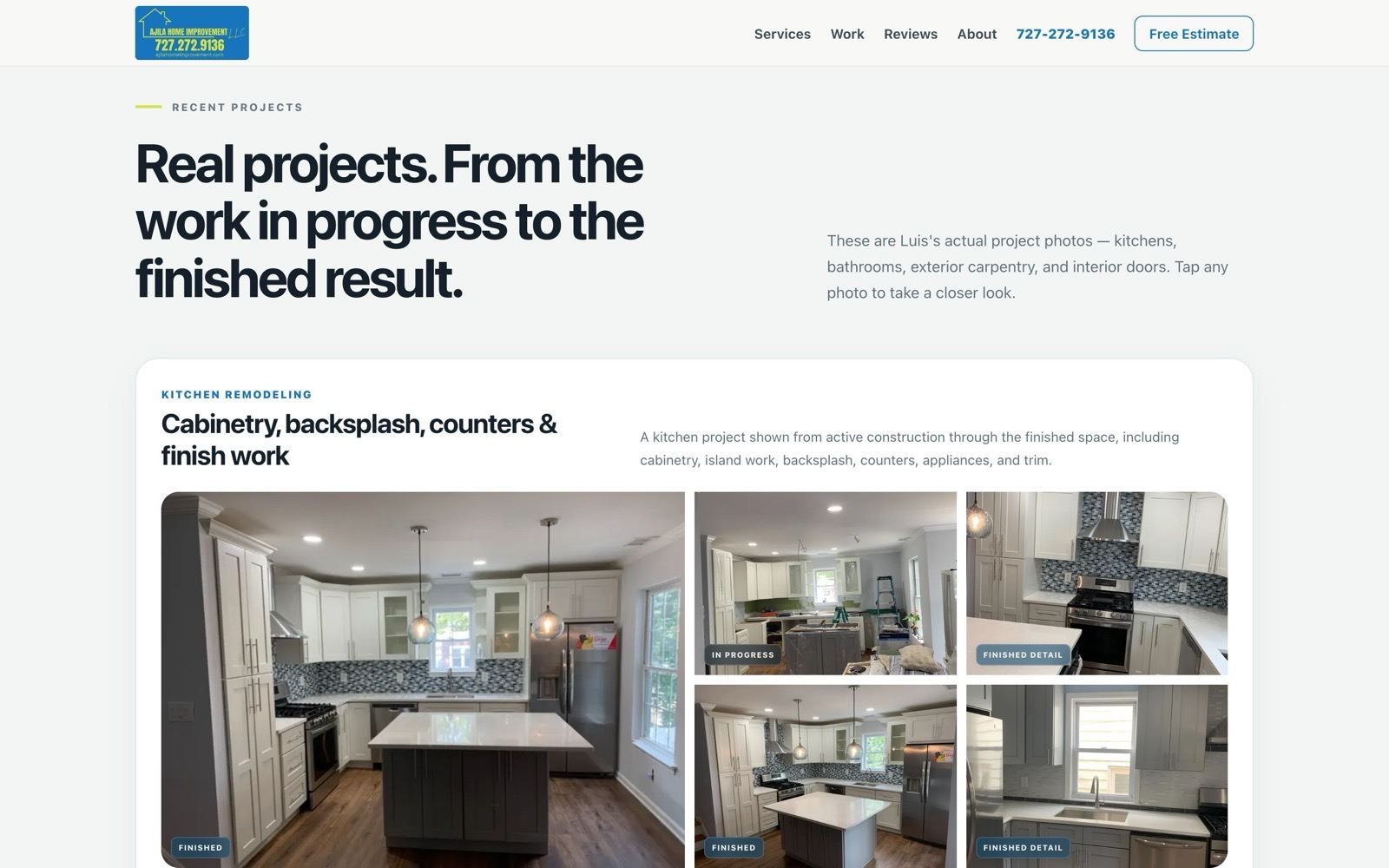
websites
Improve pages, content, navigation and inquiry paths based on how visitors use the site. See our website design services.
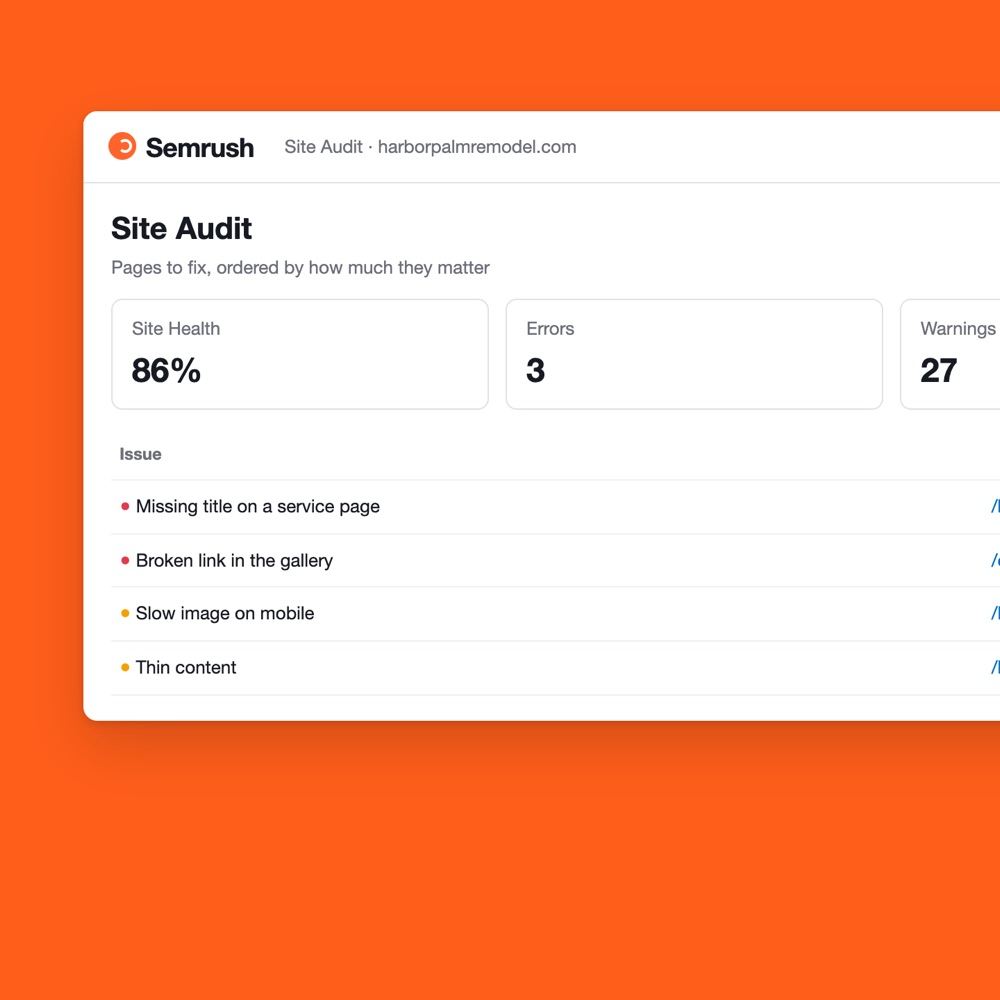
seo
Use search performance and keyword research to pick which pages and topics need attention, with SEO services.
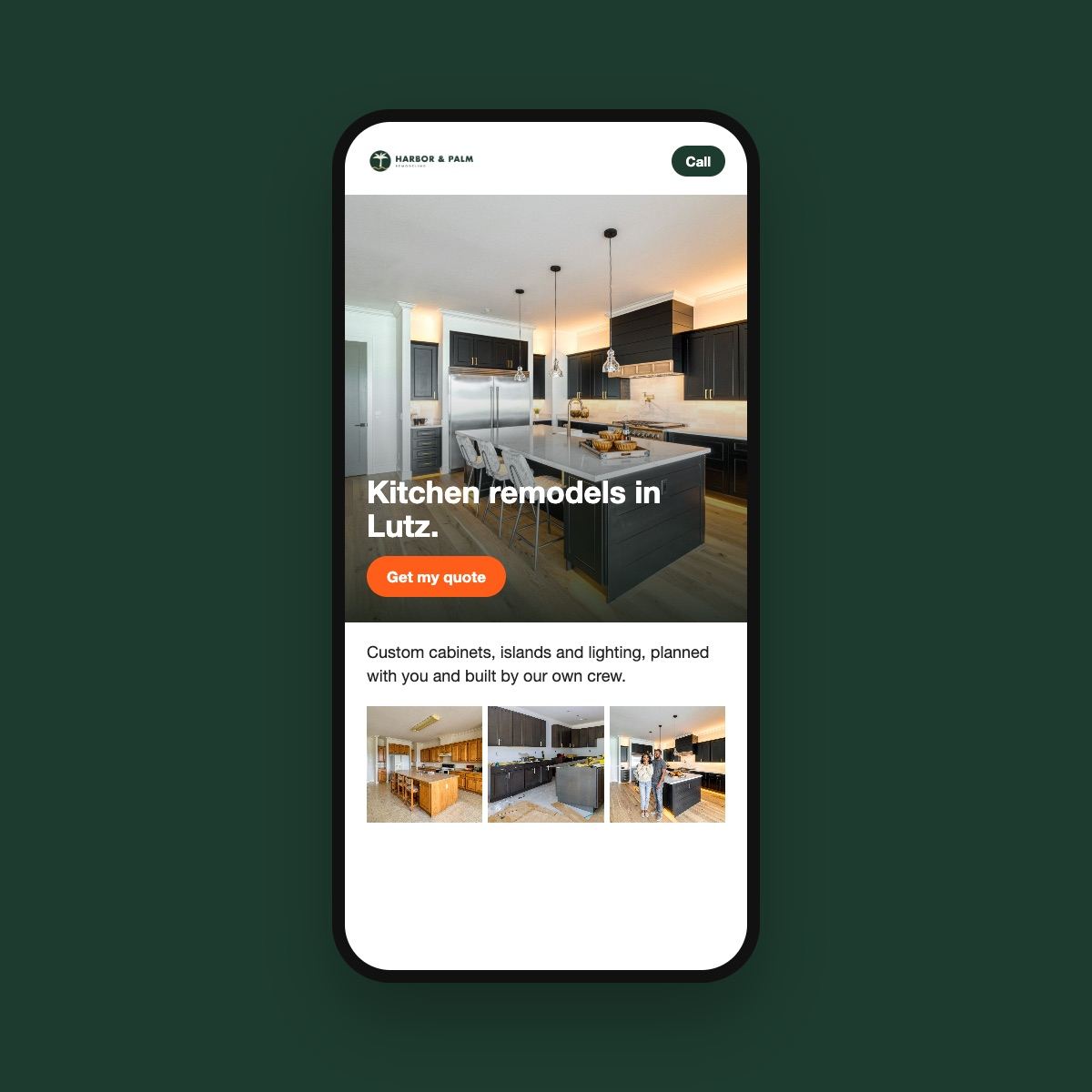
marketing
Use campaign results, lead quality and visitor behavior to refine ads and landing pages when you advertise a specific service.

What business owners ask about their tracking.
What is Google Analytics used for?
Google Analytics helps us understand how people arrive at your website, which pages they use, and what actions they take. We can configure important events, such as completed inquiry forms, to understand how your website supports customer interest.
What's the difference between Google Analytics and Google Tag Manager?
Google Analytics is where we analyze website activity. Google Tag Manager helps us deploy and manage tracking tags and events. We configure and test the appropriate measurement setup for your website.
What's the difference between Google Analytics and Search Console?
Google Analytics focuses on activity on your website. Search Console shows how your website appears and performs in Google Search, including queries, impressions, clicks, and indexing information.
Can you track our Google and Meta advertising?
Yes, with the appropriate access and tracking configuration. We review campaign results, spending, conversion reporting, and relevant website activity to understand how advertising is performing.
Can you see how people interact with our landing pages?
Microsoft Clarity can help us review heatmaps and session recordings where properly configured. We use those insights to understand navigation, clicks, scrolling, and potential friction while applying the appropriate privacy controls.
Can you show us how Instagram is performing?
Yes, when your professional account and permissions allow access. Instagram Insights can show content reach, views, and engagement. We consider those results alongside your broader marketing goals rather than treating every view as a business lead.
What does Semrush help you measure?
We use Semrush to research keyword opportunities, understand competitors, monitor selected search rankings, and identify potential improvements to your SEO strategy.
Will analytics tell us which jobs we actually booked?
Not automatically. Website and advertising tools can record digital interactions, but connecting an inquiry to an estimate, booked project, or revenue generally requires your business's follow-up records or an appropriate CRM integration.
Who owns the analytics accounts?
Your business should retain control of its accounts and data. We use the appropriate access permissions to configure, monitor, and support the tools included in your agreed scope.
Let's find out what's actually working.
Tell us what you're using to track your website and marketing today. We'll talk through what you can already see, what's missing, and how better measurement could help you decide.
Tell us what you track today. We'll show you what's missing.
We'll get back to you within 24 hours to set up a quick call.
Call or text
(727) 280-6826